FPS HUD
Your frames per second, in a clean box you can place anywhere.
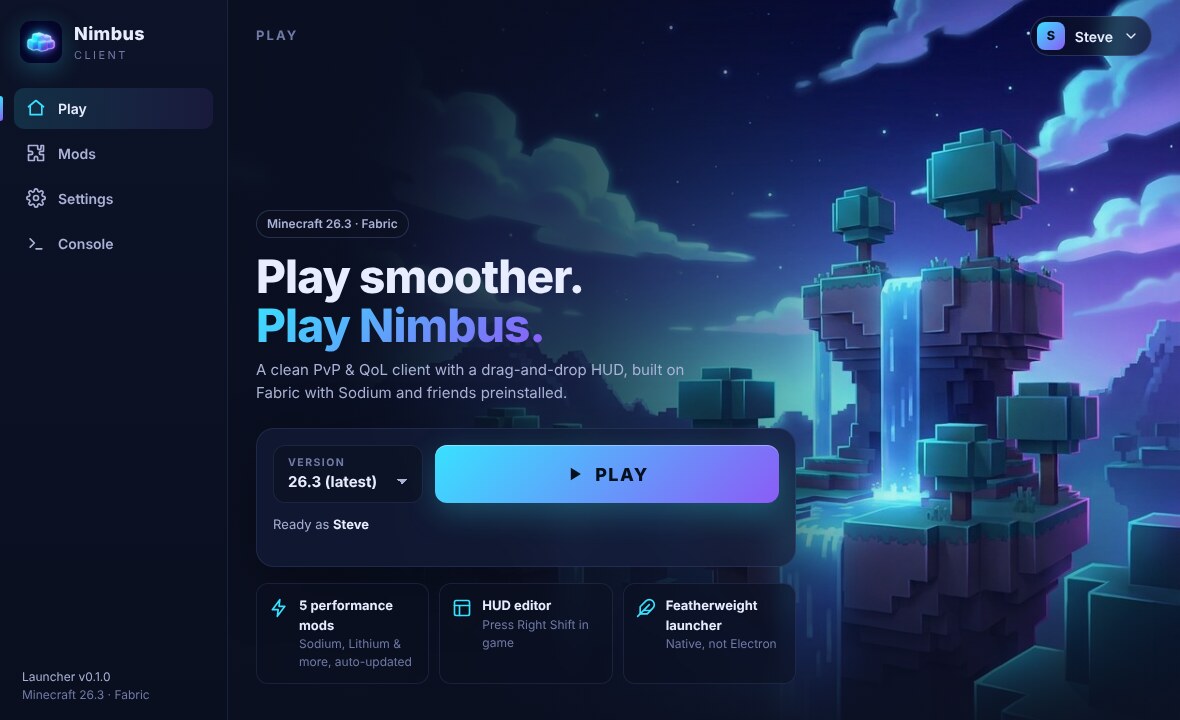
A free PvP and quality-of-life client with a drag-and-drop HUD, 14 built-in mods, and Sodium preinstalled. One small launcher sets up everything, Java included.
Free · Windows, macOS and Linux · v0.1.0
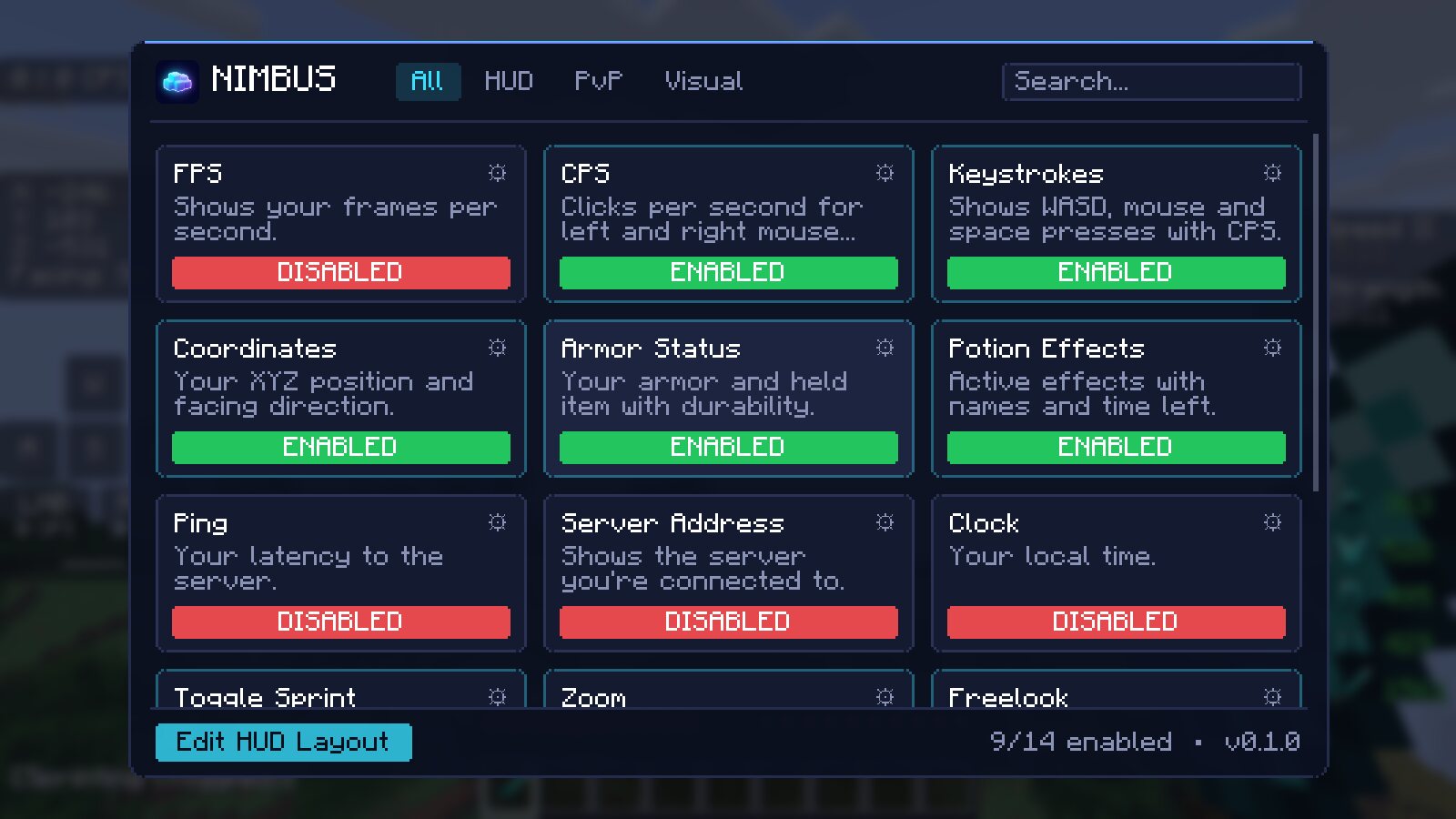
These are the real modules in the client. Turn them on and off here like you would in game, then drag them anywhere on your screen with the HUD editor.
 NIMBUS
Your frames per second, in a clean box you can place anywhere.
Clicks per second for left and right mouse buttons.
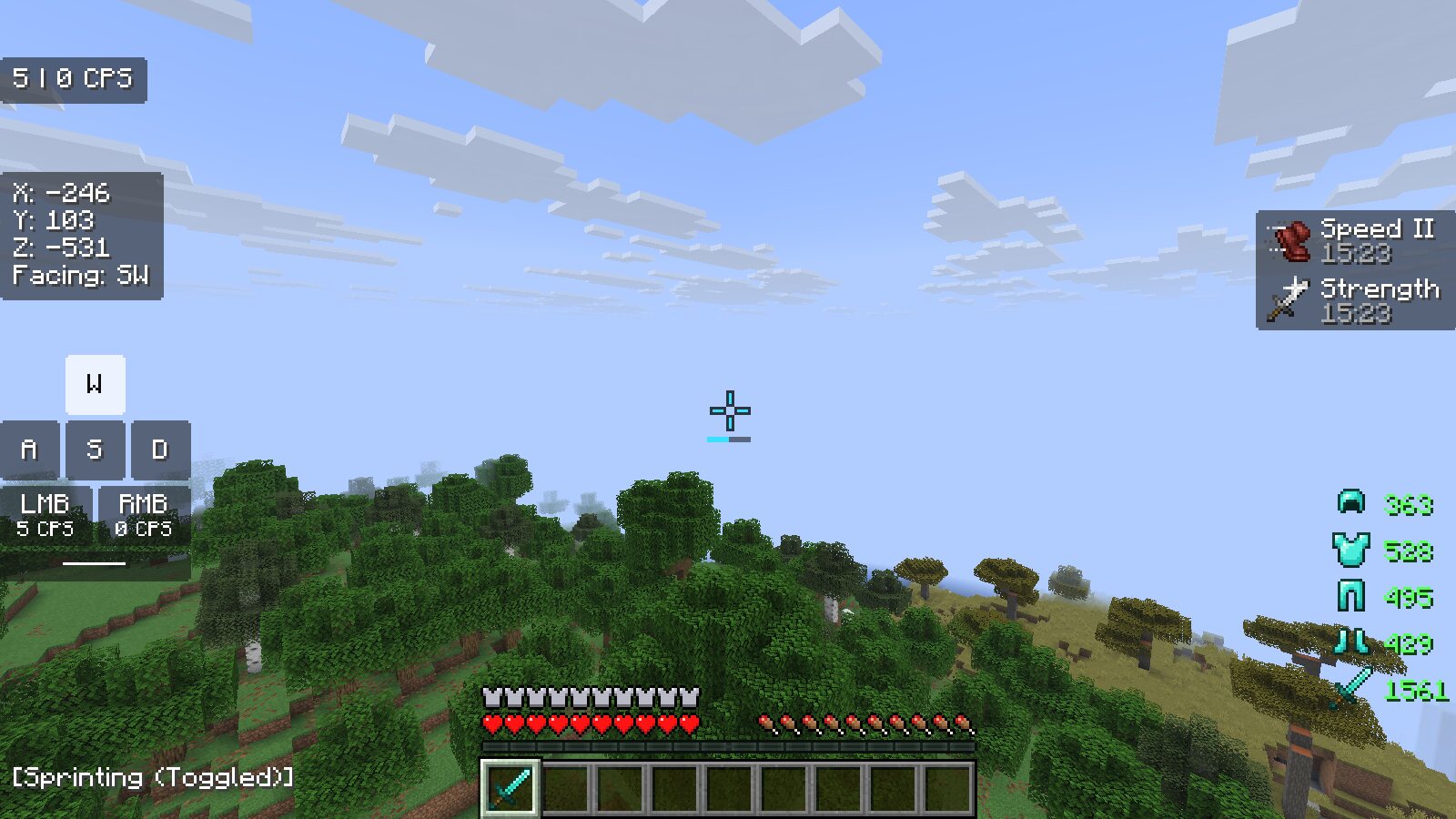
WASD, mouse and space presses with smooth animation and per-button CPS.
Armor and held item with durability that turns yellow, then red, as it wears down.
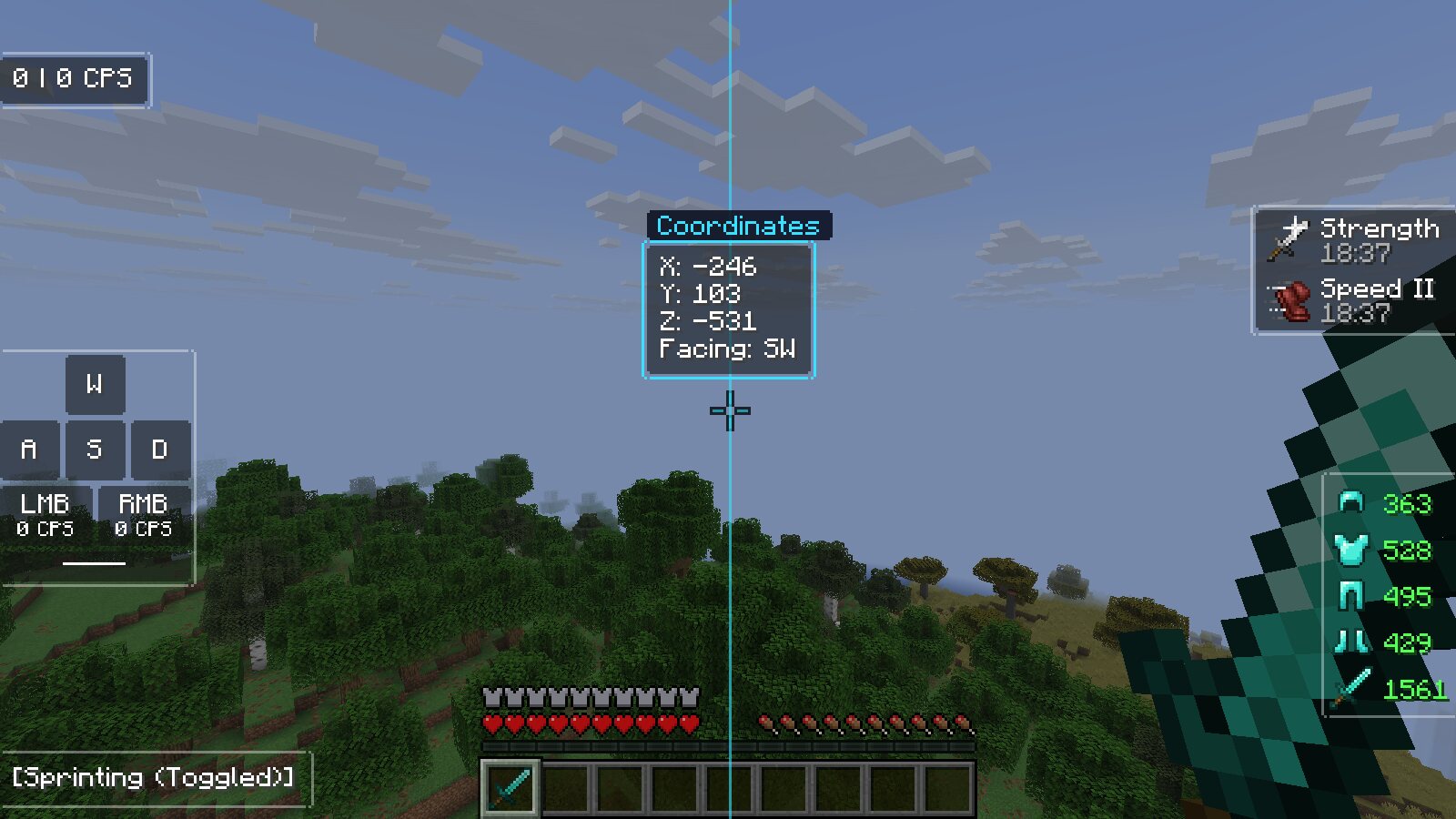
X, Y and Z plus the direction you're facing, vertical or compact.
Active effects with icons and time left. Blinks when an effect is about to end.
Your latency to the server in milliseconds.
Shows the server you're connected to, for streams and screenshots.
Your local time in 12 or 24 hour format.
Tap sprint once to keep sprinting. Optional toggle sneak and a status line.
Hold C to zoom smoothly. Scroll to zoom further, with optional cinematic camera.
Hold Left Alt to look around your character while you keep running straight.
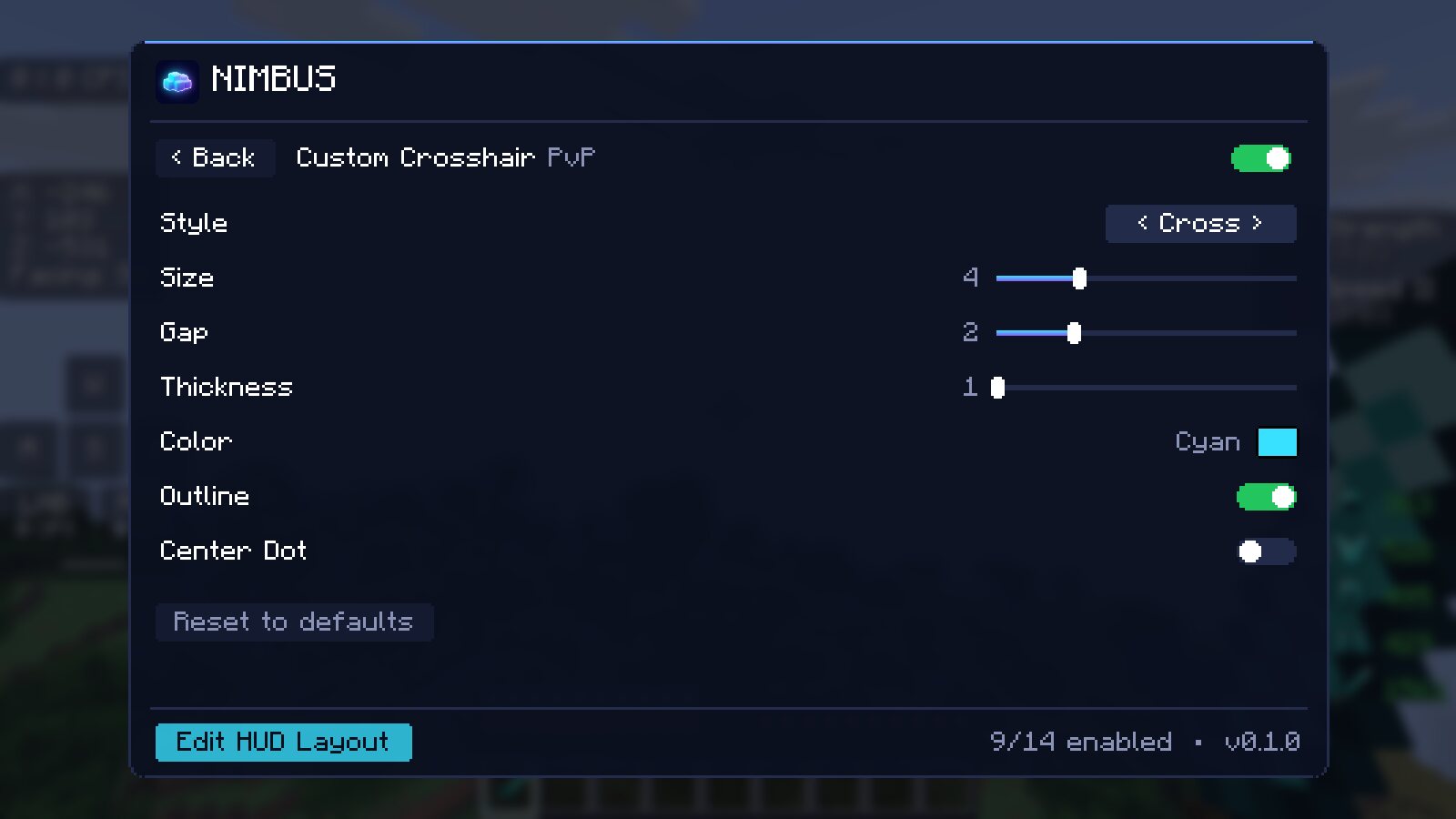
Cross, dot, circle or T shapes with your own size, gap, color and outline.
See clearly in caves and at night without potions.
Real screenshots from the client running Minecraft 26.3.
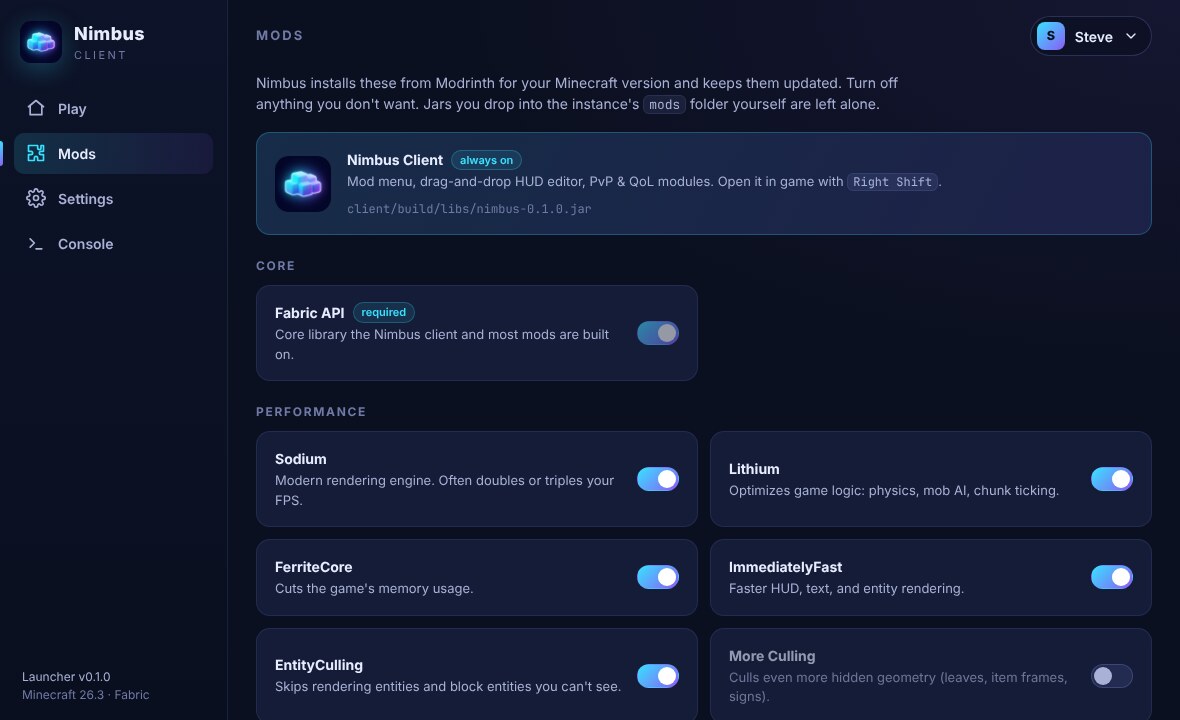
The launcher installs the community's best optimization mods for your version and keeps them updated. Switch any of them off in the Mods tab. Jars you add yourself are never touched.
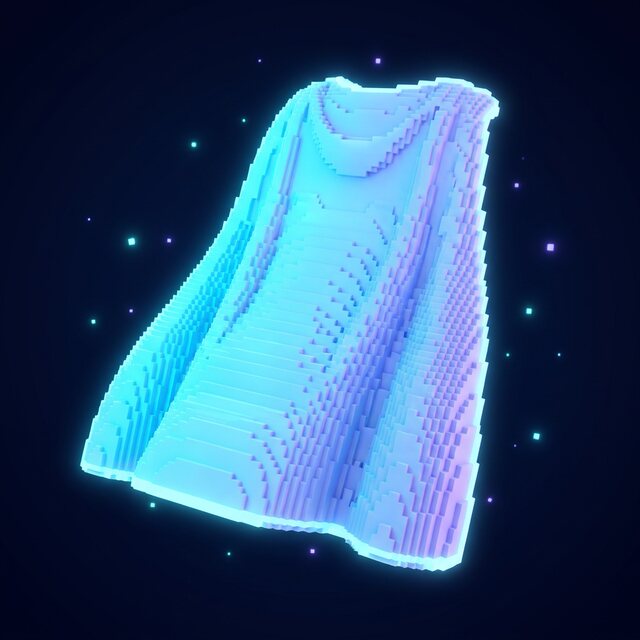
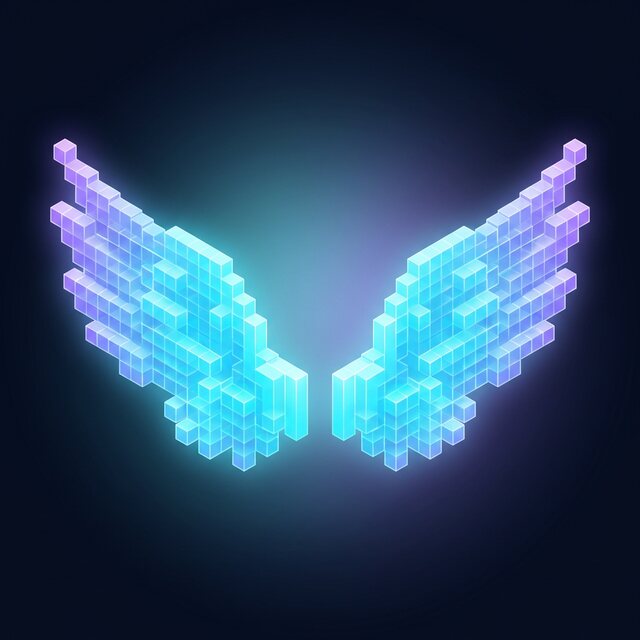
Capes, wings and companions that other Nimbus players can see. They're purely visual, so there's no pay-to-win.
Get help, share your HUD setups, find people to play with and hear about updates first.
Join the DiscordSuggest features, report bugs and browse guides. Good for longer conversations that shouldn't scroll away.
Open the community pageInstall the launcher, sign in with the Microsoft account that owns Minecraft, and press Play. The launcher downloads the game, Java and the mods for you.
mods folder and the launcher leaves them alone. Resource packs and shaders work as usual.config/nimbus.json inside your instance folder, so they're easy to back up or share.